Buyer's guide · 2026
Conversational AI avatar platforms for training: how to choose
A conversational AI avatar platform lets learners speak with an AI-driven character to practise a professional situation. The market splits into four families: avatar video generators, web AI roleplay platforms, VR training solutions and combined platforms. The right choice depends first on your use: broadcast a message, practise conversations, rehearse gestures, or both.
The 4 families of solutions
They all talk about "AI avatars", yet they do not do the same thing: some broadcast, others make learners practise.
Avatar video generators
An avatar reads a script and produces a video. The learner watches and does not speak.
For: E-learning content, internal communication, tutorials.
Web AI roleplay platforms
A conversational avatar holds a real-time dialogue in the browser, on computer or mobile.
For: Sales, management, customer relations, soft skills.
VR training solutions
A 3D scene in a headset reproduces a workstation or a procedure. Exchanges often follow predefined choices.
For: Safety, technical gestures, high-risk procedures.
Combined platforms
The same conversational avatar on web, mobile, kiosk and inside VR scenes, steered from a single platform.
For: Programmes that mix soft skills and job gestures.
Family 1 or family 2?
See the difference on video
Many "AI avatars" are actually script-driven videos: they broadcast, but they do not listen. A conversational avatar hears what the learner says, adapts and answers in real time.
Both have their place: video to share the same information with everyone, dialogue to train a skill that has to be practised.
Comparison table
General trends for each family. Features vary from one vendor to another: check them in a demo.
| Criterion | Avatar video generators | Web AI roleplay platforms | VR training solutions | Combined platforms |
|---|---|---|---|---|
| Real-time spoken dialogue | No, scripted video | Yes | Rarely, predefined choices | Yes |
| Feedback on skills | No | Yes, usually | Depends on the solution | Yes |
| 3D immersion and job gestures | No | No | Yes | Yes |
| Devices | Video, web | Web, mobile | VR headset | Web, mobile, tablet, kiosk, VR headset |
| LMS integration (SCORM, xAPI, LTI) | Video export, often SCORM | Depends on the solution | Depends on the solution | Yes, check with each vendor |
| Scenarios created by your teams | Yes, from a script | Yes, usually | Often through the vendor | Yes, usually |
| Analytics on exchanges | Video views | Yes, usually | Depends on the solution | Yes |
| Typical use | Broadcast a message | Practise a conversation | Rehearse a gesture | Both, in one programme |
✓ usually · ~ depends on the solution · ✕ usually not
The 8 questions to ask before choosing
-
1
Is the dialogue really conversational?
Ask for a demo where you speak freely, with no script. The avatar must understand an unexpected answer and stay in character.
-
2
What feedback does the learner get?
A score alone is not enough. Feedback should be tied to the learning objectives: listening, rephrasing, handling an objection.
-
3
Who sets the role and the objectives?
Check that your trainers can configure the character, the scenario and the assessment grid themselves, without depending on the vendor.
-
4
On which devices?
Computer and mobile for most learners, kiosk for front desks, VR headset when the situation calls for immersion.
-
5
Does it plug into your LMS?
SCORM, xAPI and LTI send completion and scores back without manual export. Ask for the list of LMS already connected.
-
6
Where is the data hosted?
Conversations may contain sensitive information. Check European hosting, GDPR compliance and encryption.
-
7
Which languages?
For international teams, check that the avatar understands and answers in each learner's language.
-
8
Which pricing model?
Subscription, per-learner licence or project-based quote: compare the cost over time and for the number of learners you target.
Which one to choose for your need
You want to broadcast a message or a tutorial
An avatar video generator is enough. It will not make your teams practise, but it produces content quickly.
→ Avatar video generatorsYour teams need to practise conversations
A web AI roleplay platform: sales, management, customer relations. Check the quality of dialogue and feedback.
→ Web AI roleplay platformsYou train on gestures or high-risk procedures
A VR training solution: 3D immersion lets learners rehearse the gesture without exposure.
→ VR training solutionsYour programmes mix conversations and job gestures
A combined platform: the same avatar supports the learner on web, mobile and inside the VR scene, with a single follow-up.
→ Combined platformsWhere VRAI Learning stands
A combined platform, designed by trainers
Born in the training world, VRAI Learning is an immersive training platform that combines instructional design, virtual reality and conversational AI avatars. The same avatar runs on VR headset, PC, mobile, tablet and kiosk, connects to your LMS (SCORM, xAPI, LTI) and is steered from Avatar Academy, where your teams set the role and objectives and track progress. If your need is limited to broadcasting videos, another family of solutions will suit you better.
Go deeper
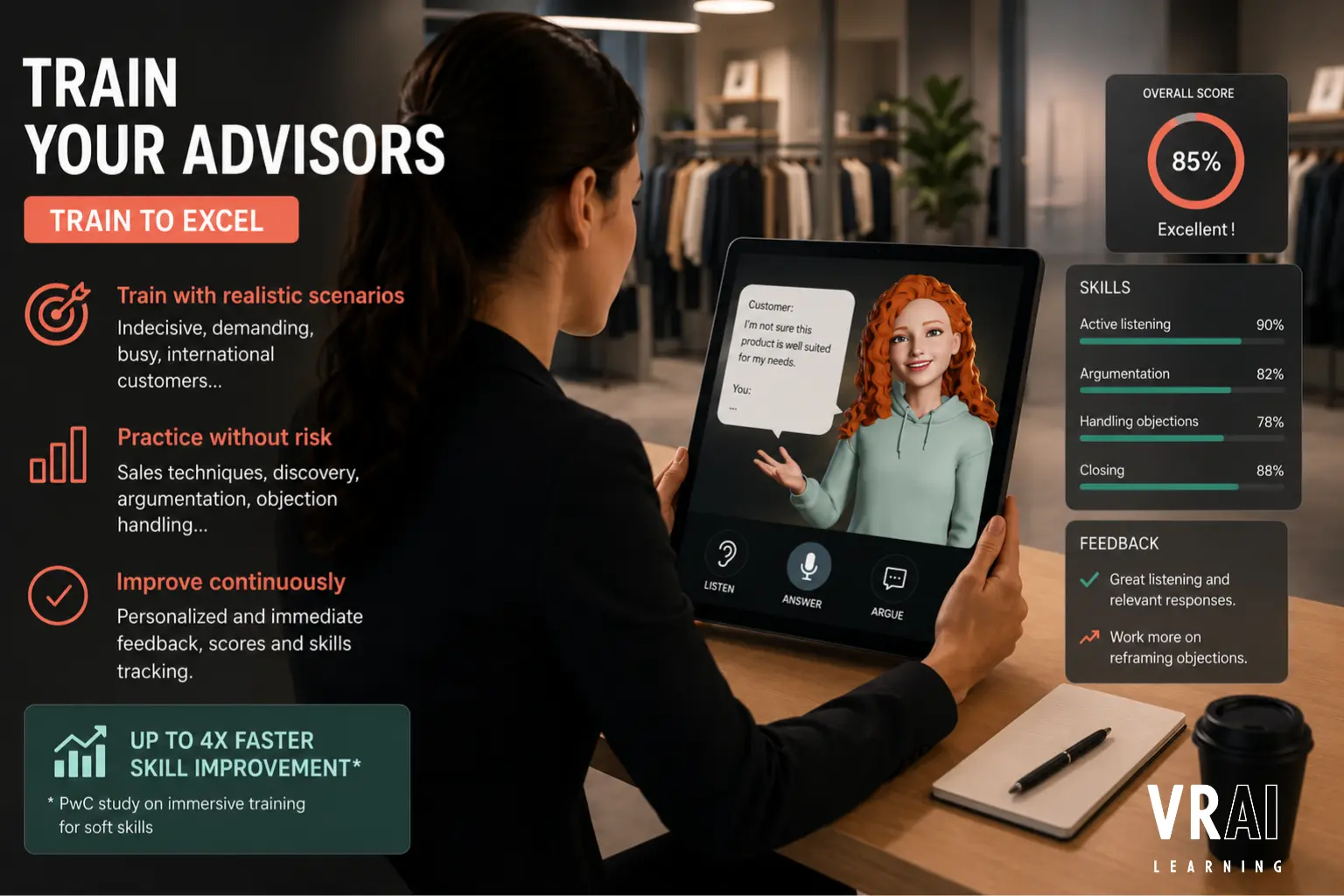
AI Avatar : Train Your Advisors and Embody Your Brand
In retail, everything happens within the first 90 seconds. The AI avatar addresses two distinct needs: training your sales advisors through simulation, and embodying your brand directly in store — on tablets, kiosks, or mobiles, without VR headsets.
Read article →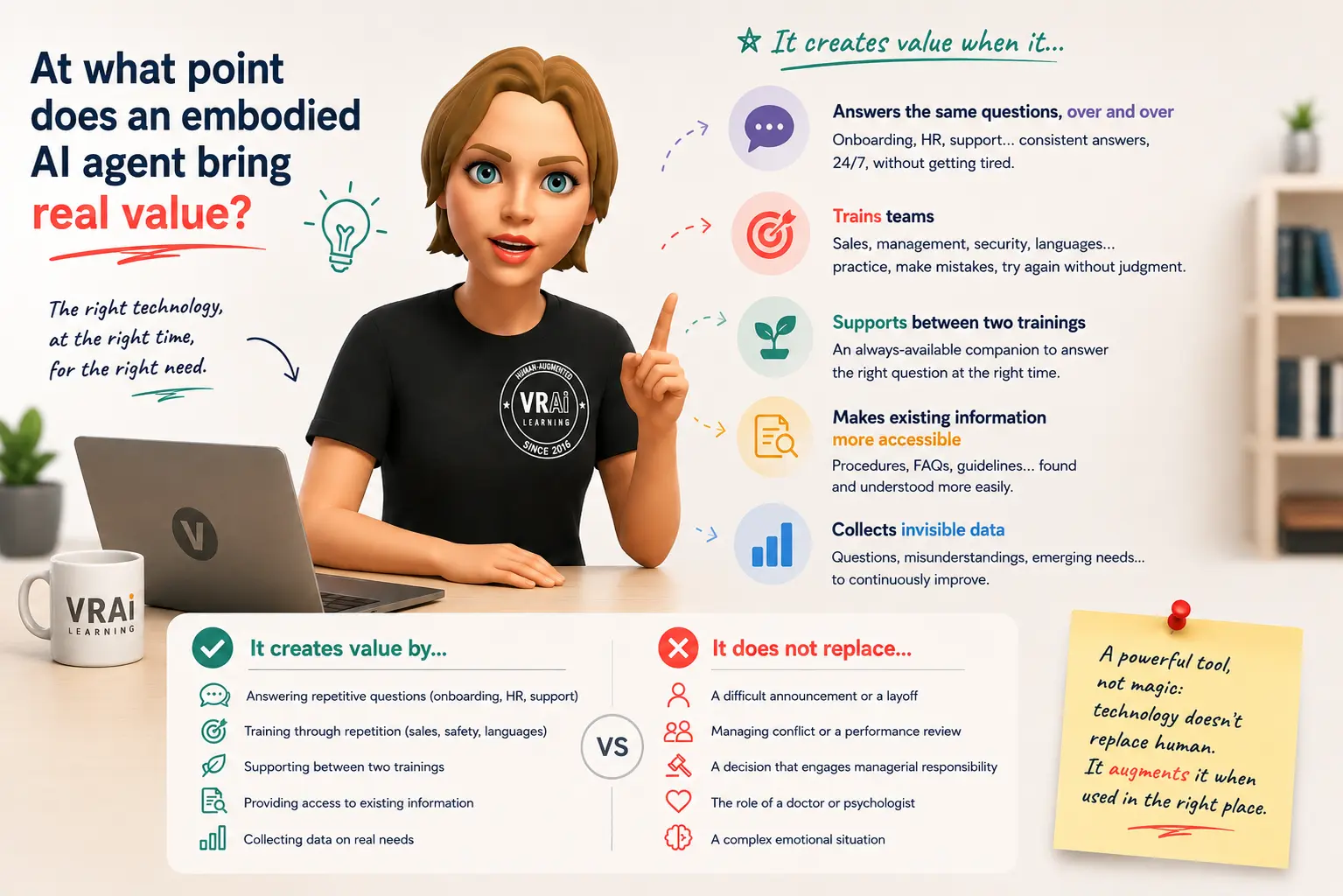
When Does an Embodied AI Agent Truly Add Value?
Read article →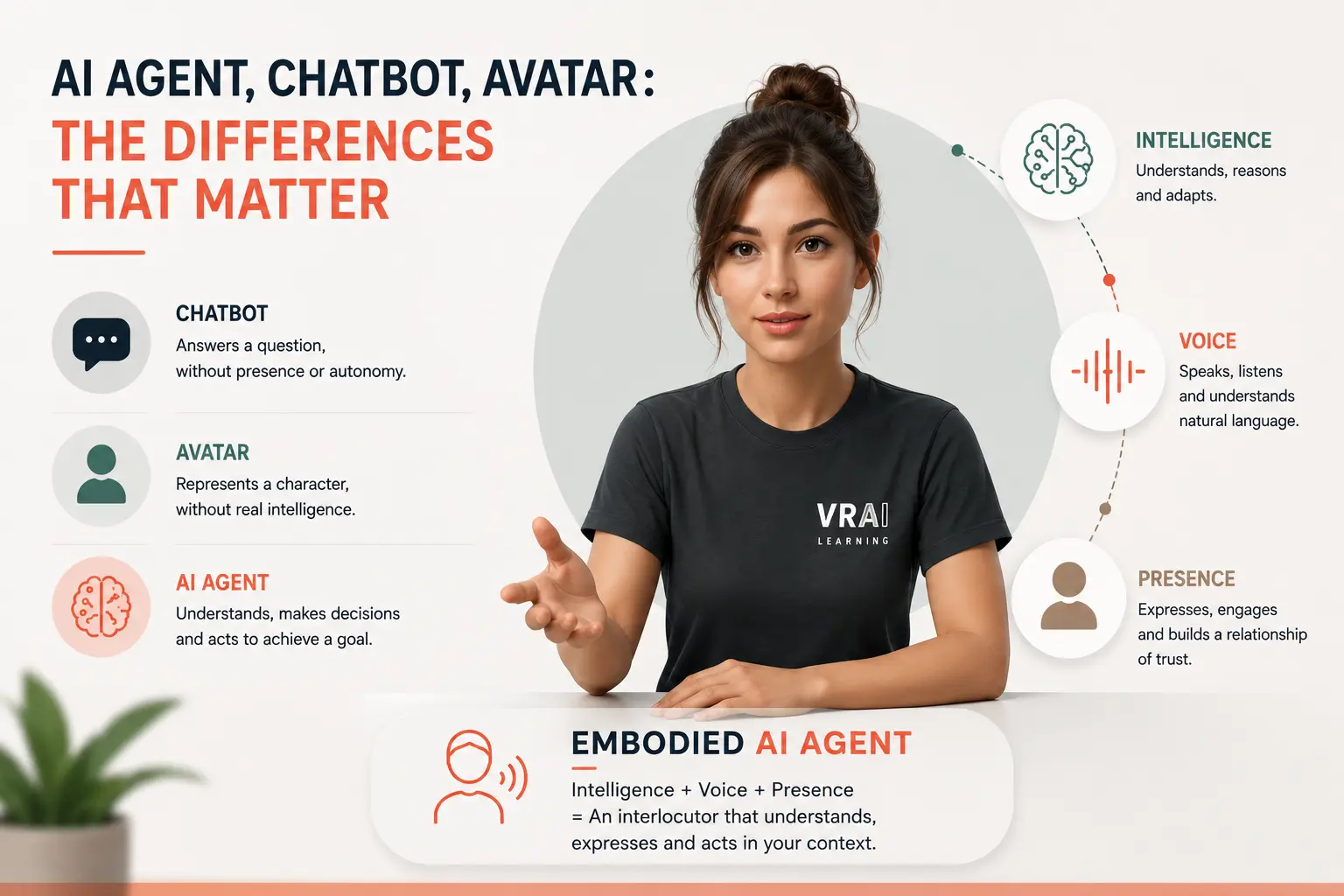
Embodied AI Agents: Smart Avatars for Training
Since the end of 2023, the term 'AI agents' has become entrenched in global tech vocabulary, but definitions remain unclear: AI agents, chatbots, avatars, virtual assistants are often confused. This article clarifies what an embodied AI agent is, explains why the 'embodied' aspect changes its impact on training and employee support, and outlines the market situation in 2025 for French and Francophone companies.
Read article →Frequently asked questions
What is a conversational AI avatar platform?
It is a tool that lets learners hold a real spoken conversation with an AI-driven character, for example a customer, a manager or a patient, in order to practise a professional situation. The avatar answers in real time, adapts to what the learner says and gives feedback on the skills being worked on.
What is the difference between a conversational AI avatar and an avatar video generator?
An avatar video generator produces a scripted video: the avatar speaks, the learner watches. A conversational AI avatar holds a two-way dialogue: the learner speaks, the avatar listens, reacts and answers. Only the second lets learners practise a situation, which is why it is used for roleplay.
Do you need a VR headset to use a conversational AI avatar?
No. Most platforms run in a web browser, on computer or mobile. Some, like VRAI Learning, also offer the same avatar in a VR headset or on an interactive kiosk, which is useful when the conversation has to happen inside an immersive scene.
Can a conversational AI avatar be integrated into an LMS?
It depends on the platform. Check SCORM, xAPI and LTI support: they let completion and scores flow back into your LMS. VRAI Learning offers native SCORM, SCORM 2004, xAPI and LTI connectors, compatible with Moodle, 360Learning, Cornerstone and over 100 platforms.
Which criteria should be used to compare conversational AI avatar platforms?
Start with real-time dialogue and the quality of feedback, then the devices supported (web, mobile, VR, kiosk), LMS integration, who creates the scenarios (your teams or the vendor), data hosting and GDPR, languages, and the pricing model. The right choice depends on your use: soft skills, job gestures, or both.