Industry, Maintenance & Construction
Train without stopping production.In industry, a mistake during onboarding can cost a life. You cannot train on a live production machine, stop a line for an evacuation drill, or expose a new technician to real risk. The simulation reproduces the exact environment (machine, worksite, warehouse) so the learner practises before facing the real situation.
Simulation where classroom training cannot go
Practise before touching the machine
A technician on a production line cannot learn lockout/tagout procedures on a running machine. The simulation faithfully reproduces their workstation: machines, controls, emergency stop sequences. They repeat until fully proficient, no risk of breakage, no accident, no production downtime.
- LOTO lockout/tagout procedures and machine safety gestures
- Preventive and corrective maintenance in 3D environment
- Workstation discovery before starting the role
- Skills refresher without stopping production
Marc starts on a high-risk stamping line. Before touching anything, he visits his environment in simulation from the training room.
He practises the full lockout/tagout procedure: electrical isolation, locking, zero-energy verification.
He simulates a maintenance intervention: opening the casing, replacing a part, closing and unlocking.
He arrives at the real machine with the right reflexes. Compliance score validated in the LMS before access authorisation.
The worker enters the simulation. They find themselves on scaffolding 12 metres up, with the vertigo and pressure that implies.
They methodically check anchor points, guardrails, floor condition. One error triggers a fall simulation.
They repeat until every check is instinctive. The instructor sees the sticking points in real time.
Compliance score and virtual certification before access to the real worksite. Full traceability in the LMS.
The worksite before the worksite
Training a worker on fall risks without putting them at height. Letting them experience a fall in immersive simulation (a far more lasting memory than a video) so they understand the stakes before climbing the scaffold. The simulation reproduces vertigo, visual fatigue and the time pressure of a real worksite.
- Fall risks and use of PPE at height
- Scaffold and harness inspection
- Co-activity and risks from construction machinery
- Prevention plans and work permits
Operational from day 1 on site
Immersive simulation builds the reflexes. The AI mentor avatar answers questions (procedures, organisation, internal rules) 24/7 from the employee's mobile. Together, they reduce time to full operational capacity and free field tutors from repetitive questions.
- Site and equipment discovery in simulation before day 1
- AI mentor available 24/7 for field questions
- Frees tutors from repetitive questions
- Progress tracking in LMS from day one
3 days before day 1, they visit the plant in simulation from home: risk zones, access routes, emergency procedures.
They practise site-specific PPE procedures and first emergency responses.
Day 1: they already know the site, the risks and the right reflexes. Their tutor can focus on skills development.
Their AI mentor answers questions in real time during the first weeks. The tutor is alerted if a recurring blocker appears.
From field audit to deployment
Field audit
We visit your facilities or analyse your plans to faithfully reproduce your 3D environments: workstations, machines, worksites. Every identified risk becomes a scenario.
Modelling & scripting
3D production of your environments, Immersive scenario creation and AI mentor avatar configuration. You validate every step before delivery.
Multi-device deployment
Compatible with standalone VR headset (Meta Quest), PC, mobile. LMS integration via xAPI/SCORM. Full traceability of certifications and compliance scores.
AI avatars, integrated directly into your industrial VR scenarios
Add a conversational AI character to any VR environment. Your learner interacts with a virtual colleague, a team leader or a customer, in the scene, in real time, with emotional analysis.
- Avatar present inside the 3D scene (not a chat window)
- Real-time spoken conversation, voice detection
- Emotional analytics: stress, confidence, assertiveness
- Configurable role, personality and expertise
Puts on the headset. Enters a realistic 3D warehouse.
A virtual colleague approaches and asks for guidance on a procedure.
The learner responds verbally. The avatar reacts, asks follow-up questions.
End of session: emotional score, hesitations spotted, areas for improvement.
Go deeper
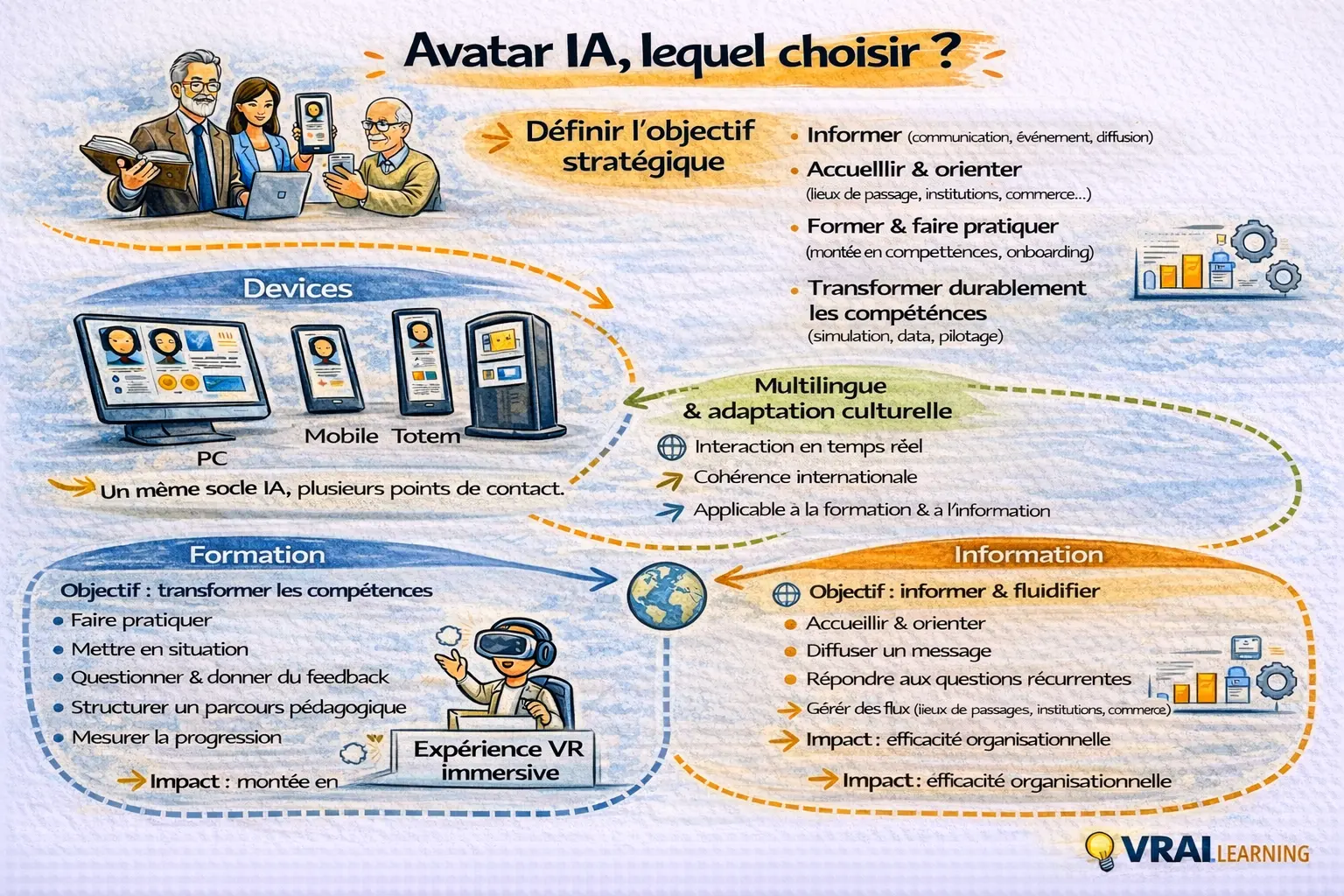
AI Avatar for Business: Training, Onboarding or Information?
An AI avatar that informs is not an avatar that trains. The AI avatar market is taking shape. On one side, avatars designed to inform; on the other, avatars designed to "help people learn". But behind the term "AI avatar", confusion persists — and mixing them up means missing the point, and potentially investing in the wrong tool for the wrong use case. Understanding this distinction has become essential for training, innovation and HR decision-makers....
Read article →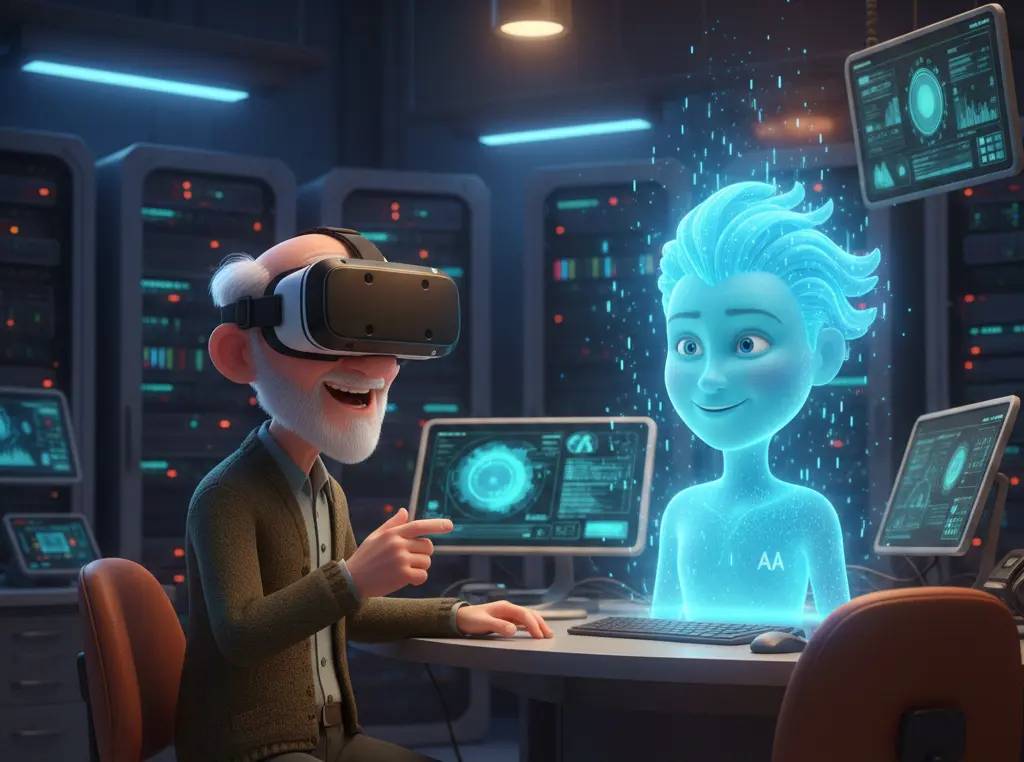
Learning : how VR transforms the rise of skills
In-company virtual reality (VR) training involves immersing employees in immersive environments to train them in close-to-real situations, without risk and at a lower cost. In addition to face-to-face and e-learning, VR allows organizations to standardize their training, accelerate skills development, and sustainably increase team engagement. The learner is no longer a spectator: he becomes an actor in his learning. Why virtual reality training is an asset for businesses The main benefits VR...
Read article →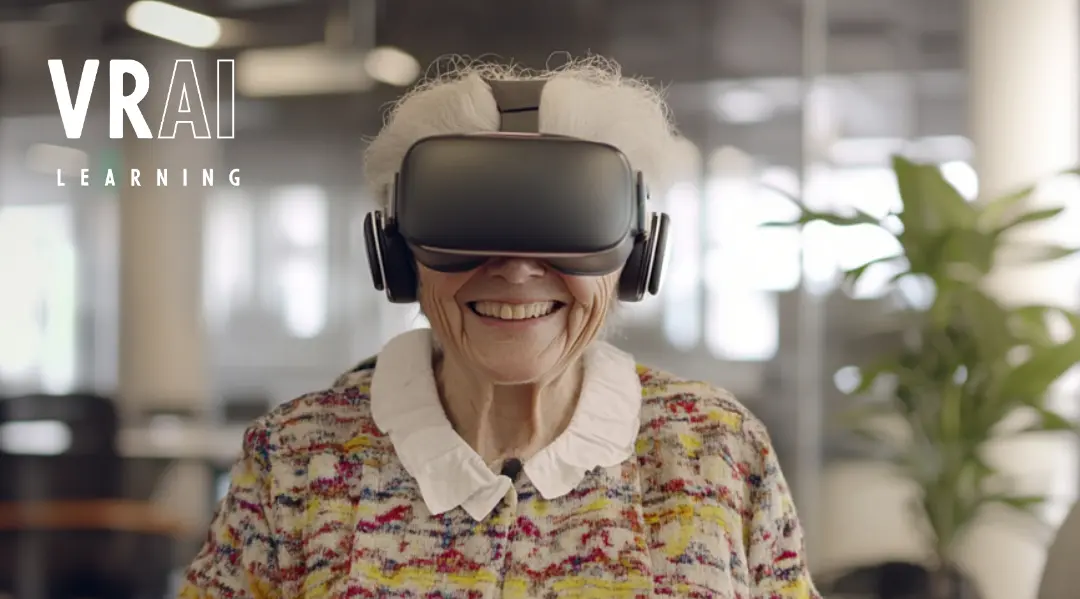
Onboarding and team animation thanks to AI-connected avatars
Avatars connected to AI, new trend or real innovation? In an increasingly digital world, AI-connected avatars and conversational agents prov
Read article →Questions about industrial simulation training
Do we need to buy VR headsets to train our teams?
Not necessarily. Our VR training is compatible with standalone headsets (Meta Quest), PC and mobile depending on the scenario. For high-impact field training, the VR headset is recommended. For the AI mentor avatar and quiz modules, PC and mobile are sufficient.
Can you faithfully reproduce our industrial environment?
Yes. Our 3D team models your facilities from plans, photos or LiDAR scans. Every machine, workstation and hazard zone is reproduced with precision so that training transfers directly to the real situation.
How do we integrate these trainings into our certification management system?
Via xAPI/SCORM, each training score flows into your LMS or HRIS. Virtual certifications can be configured as prerequisites for physical access to the relevant zones or machines.
Is this suitable for regulatory training (CACES, electrical certification, working at height)?
VR complements regulatory training, it is not designed to replace it. It enables intensive practice before the formal assessments, reduces errors during real evaluations and decreases the number of attempts needed to obtain certifications.
How long does it take to deploy a first training module?
A first module on an existing scenario can be operational in 4 to 6 weeks. A fully bespoke 3D environment (modelling your own facilities) takes 8 to 12 weeks depending on complexity.
Ready to train without risk?
Personalised demo on your environments.
We gave our AI avatars the floor.
Now it's your turn to challenge them.
45 minutes live to understand, test, and decide if AI avatars belong in your company. Free, online, limited seats.
More infoWith your consent, we use audience measurement cookies (Google Analytics 4) to improve the site. Your data is never sold.
Cookie settings
Choose which cookies you accept. You can change your choice at any time via “Manage cookies” at the bottom of the page.